


If you are wondering how to buy and top up your account, follow these simple steps:
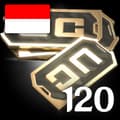
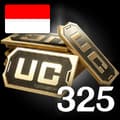
Choose your specific region (Global or Indonesia).
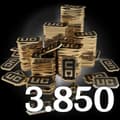
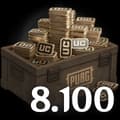
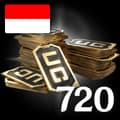
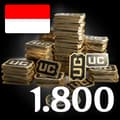
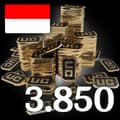
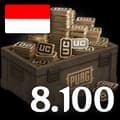
Select Your Desired UC package (from 60 UC up to 8100 UC).
Enter your PUBG Mobile Player ID.
Check out and select your payment method.
Once payment is made, the UC you purchased will be credited to your account shortly.
Open PUBG Mobile and log in to your account.
Tap your profile icon in the top left corner of the main menu.
Your Player ID (a string of numbers) will be displayed directly on your profile page. Copy this exact ID to proceed with your top-up.
PUBG Mobileのチャージを12件在庫しています。担当者が直接、適正価格でお届けします。
対応範囲:Global, Indonesia
お客様の声
ニュース


