


If you are wondering how to buy and top up your account, follow these simple steps:
Choose your specific region (Global or Indonesia).
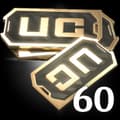
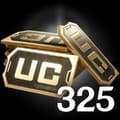
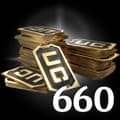
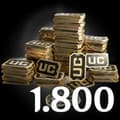
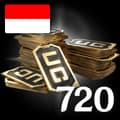
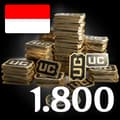
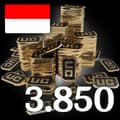
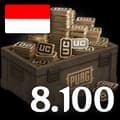
Select Your Desired UC package (from 60 UC up to 8100 UC).
Enter your PUBG Mobile Player ID.
Check out and select your payment method.
Once payment is made, the UC you purchased will be credited to your account shortly.
Open PUBG Mobile and log in to your account.
Tap your profile icon in the top left corner of the main menu.
Your Player ID (a string of numbers) will be displayed directly on your profile page. Copy this exact ID to proceed with your top-up.
PUBG Mobile 충전 12개 재고 보유. 실제 상담원이 합리적인 가격에 전달해 드립니다.
지원 범위: Global, Indonesia
고객들의 이야기
소식


